Introducing Yappr Agents
see which Claude Code agent needs you
Yappr Agents puts every Claude Code session on your Mac’s notch, and brings each agent’s question to you.
Download for Mac Send it to your Mac
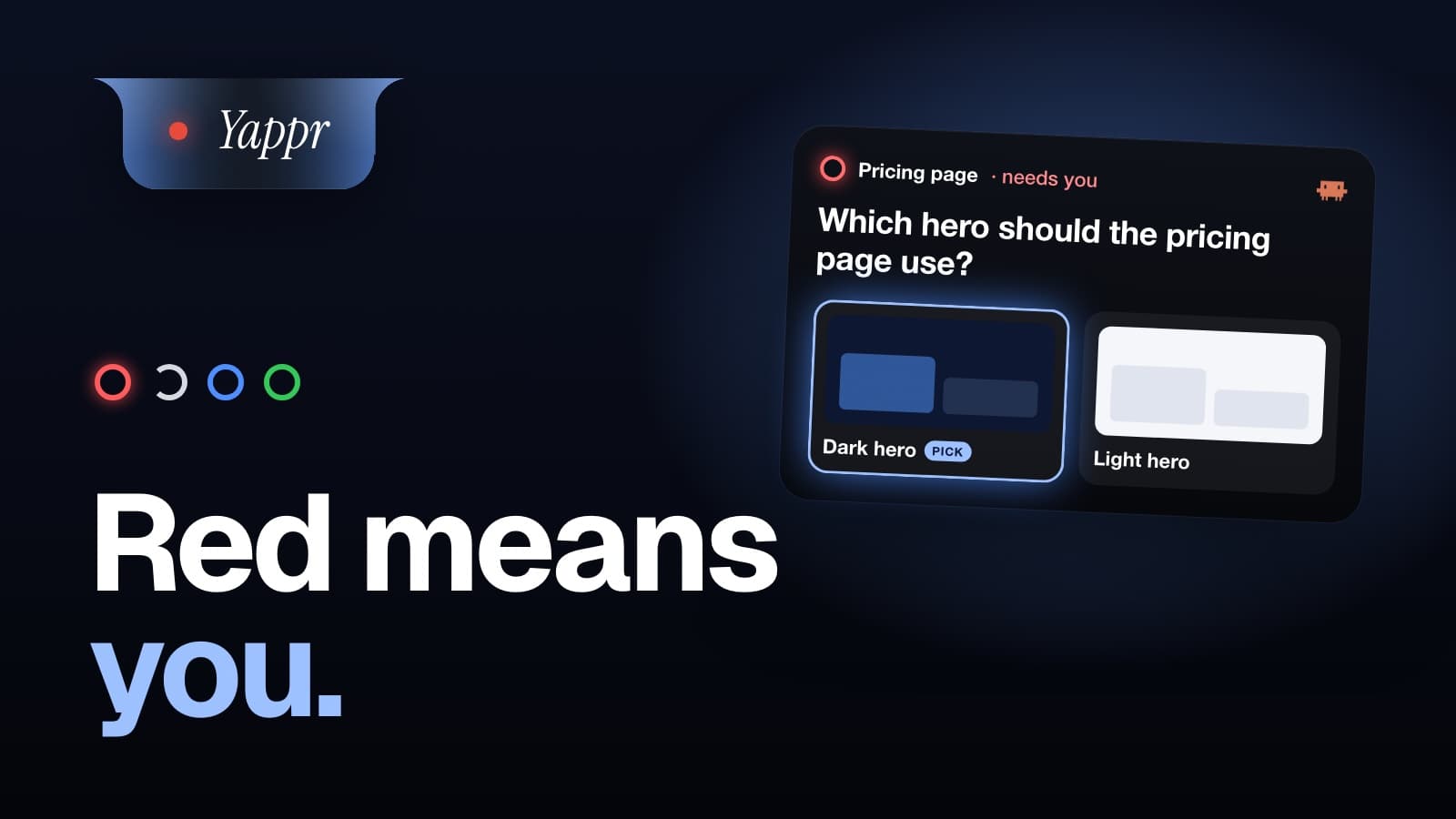
- Every Claude Code session is a ring on your notch. Red means it needs you.
- Answer its question with a click, or by saying it.
- Opt-in, for Claude Code in the Claude app, VS Code and the terminal.
Run three Claude Code agents and you spend the day finding out which one is waiting on you.
Which one needs you? You have to go and look.
Most people who run agents in parallel put their limit at a handful. The work is not the limit. Keeping track is.
Every agent is a ring on your notch
The question comes down to you
Click one. It’s sent.
Or hold your key and say what you want
What you say is the answer. No window switches, and the agent carries on. It is the same key that writes your prompts.
Every agent, at a glance
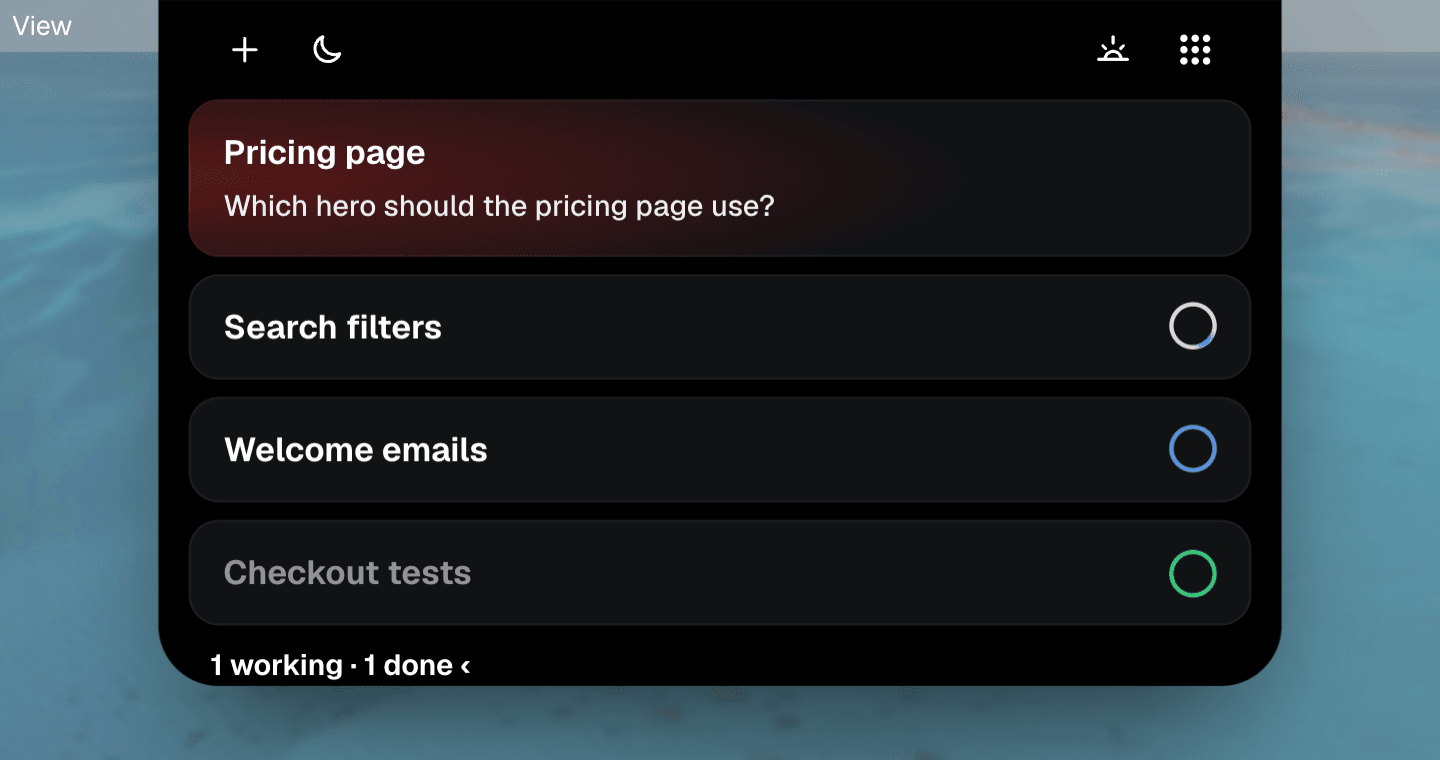
Your screenshot goes in with your words
Where it works
- ✓Yes: Claude Code in the Claude app, VS Code and the terminal.
- ✓Yes: Off until you turn it on, in Settings → Agents.
- ✓Yes: Runs on your Mac, through a Claude Code hook.
- ✓Yes: Codex and Cursor sessions too, in beta.
Using Codex? Its hooks stop running when you edit them: check which ones Codex is skipping.
Answering an agent well is a skill of its own. Here is what an agent needs from you. Want only the alert, for free? Turn your Mac red when Claude needs you.
Written 20 October 2026. Every fact about another product is from its own pages, checked that day.