Codex hooks not working? One changed number puts them back in review
Codex only runs a hook while its entry matches the one you trusted, so a new command, timeout or position sends it back to review.
Download for Mac Send it to your Mac
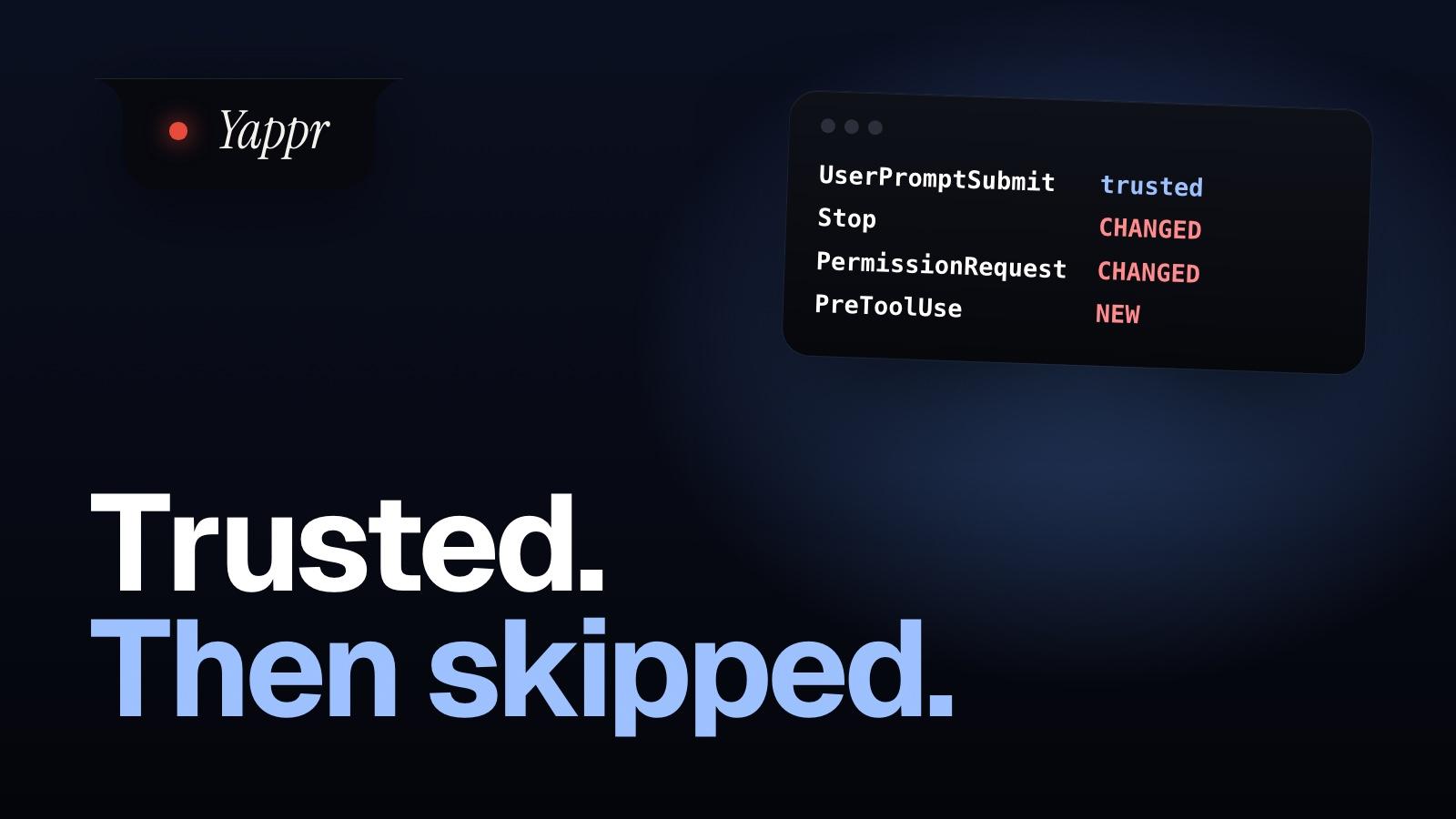
- Codex saves a hash of each hook you trust. Change its command or timeout, or add one above it, and Codex skips it. Edit its script, and it doesn't.
- We raised two of our own hooks' timeouts from 600 seconds to a week, and both no longer matched Codex's record.
- /hooks in Codex shows what needs review. To check without opening Codex, a free script redoes its hash and lists what it skips.
Your Codex hook worked yesterday. Today you changed its timeout, and it stopped running. Rewrite the whole script it calls instead, and Codex wouldn’t notice.
We found it on our own Mac. We raised two of our Codex hooks from 600 seconds to a week, then checked them against the trust record Codex had saved. Both no longer matched, and by Codex’s own rule a hook that doesn’t match is skipped until you trust it again.
Codex trusts the exact hook, not the file
Back to review: Codex skips it
Change its commandskippedChange its timeoutskippedAdd one above it, same eventskippedStill trusted: it runs
Reformat hooks.jsonrunsEdit the script it callsrunsInterrupt timeout, 3 s → 600 srunsWhen you trust a hook, Codex saves a hash of its event, matcher, command, timeout and a few other settings, under the hook’s place in the file. Change any of those, or add a hook above it under the same event, and the hash or the place no longer matches. The script it runs isn’t in the hash, so editing that changes nothing. The docs say what happens then: it’s “skipped until trusted”.
Our own hooks, checked
Our 11 Codex hooks, checked against Codex’s own records
UserPromptSubmitrunsInterruptrunsStop (600 s → a week)skippedPermissionRequest (same)skipped7 hooks added sinceskippedCheck yours in ten seconds
Inside Codex, /hooks already lists what needs review: start there. This free script checks without opening Codex, say after a tool or an update rewrote your hooks.json. It redoes Codex’s hash for every hook in ~/.codex/hooks.json and your repo’s .codex/hooks.json and compares it with what Codex saved. It only reads; read it before you run it.
- Download it and run it.
curl -fsSL https://www.useyappr.com/blog/codex-hooks-not-working/codex-hooks-check.py -o ~/codex-hooks-check.py
python3 ~/codex-hooks-check.py
- This is what it printed here.
~/.codex/hooks.json
  Stop               CHANGED  edited since you trusted it, so Codex skips it
  UserPromptSubmit   trusted  runs
  PermissionRequest  CHANGED  edited since you trusted it, so Codex skips it
  Interrupt          trusted  runs
  PreToolUse         NEW      never trusted, so Codex skips it
  ...

11 checked, 9 skipped by Codex.
Read the script first
It’s 188 lines: codex-hooks-check.py. The hash rules come from Codex’s source at 0.169.0. If a later Codex changes them, trust what /hooks says.
Trust them again
codex and type /hooks inside the session. It’s not a shell command.--dangerously-bypass-hook-trust runs them for that one run. Only for hooks you wrote.The terminal warns you at startup when a hook needs review. Elsewhere, open issues report codex exec skipping hooks with nothing printed, and the Codex app showing no warning for a changed project hook.
Still not running?
hooks = false under [features] in config.toml stops all of them..codex/hooks.json loads only in a project you’ve trusted.Why do we care which Codex hooks run?
Because they’re how Yappr hears from Codex. When a Codex session stops on a question, the hook brings it to your Mac’s notch, and you answer with a click or by saying it. Codex support is in beta. For Claude Code, here’s which hook tells you fastest that it needs you, and what the notch does with it.
How we checked, and what we didn't
On 15 November we read how Codex keys and hashes a trusted hook in its source (openai/codex, release 0.169.0), wrote the same hash in Python, and ran it on one Mac against the trust records Codex itself had written there. Two hooks matched exactly, one only after Codex’s 3-second cap on Interrupt timeouts was applied, which is a good sign the copy is faithful. The two that didn’t match do once their old 600-second timeout is put back.
We didn’t run Codex against them: “skipped” is OpenAI’s documented rule applied to a hash that no longer matches. Not covered by the script: hooks written inside config.toml, plugin and managed hooks, MCP tool hooks, Windows. The issues above are users’ reports, open on 15 November; a fix may land in any release.
Written 15 November 2026. Every fact about another product is from its own pages, checked that day.