How to manage multiple Claude Code sessions and see which one needs you
Branches and names tell you which session is which; you still need one signal that tells you which one is waiting.
Download for Mac Send it to your Mac
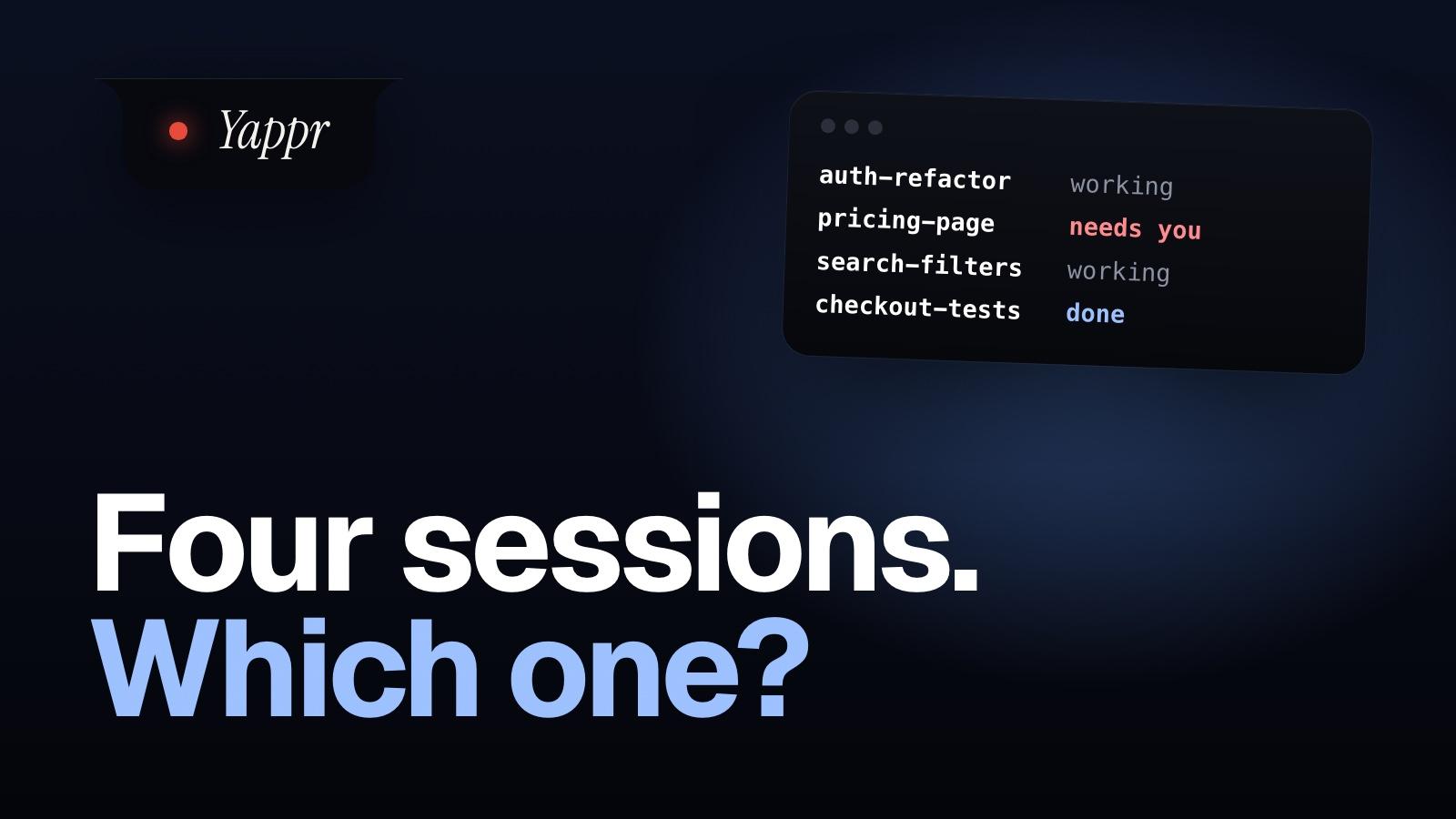
- Give each session its own worktree and a name: claude --worktree auth-refactor -n auth-refactor.
- Then pick one signal for the one waiting: claude agents, a hook, Remote Control's push, or the notch.
- Past two or three sessions, the limit is how much you can review, not the tool.
Four panes. One of them, as one thread puts it, has been “idle for forty minutes since it posed a question that I never saw.”
We sell an app for part of this. Most of what follows is free and built into Claude Code.
It’s two problems, not one
Tabs, tmux and worktrees fix the first. One person with a pane and a worktree per agent was still “staring at four panes trying to remember which agent is waiting on me.”
Give every session a branch and a name
claude --worktree auth-refactor -n auth-refactor
Its own worktree, so two sessions never commit onto each other’s branch, and a name that shows on the prompt bar. Already running? /rename auth-refactor. Name your tmux window or terminal tab the same.
Then let the waiting one find you
claude agentsOne list of every background session, with Needs input on the ones waiting. Free, in research preview.Every session, at the top of your screen
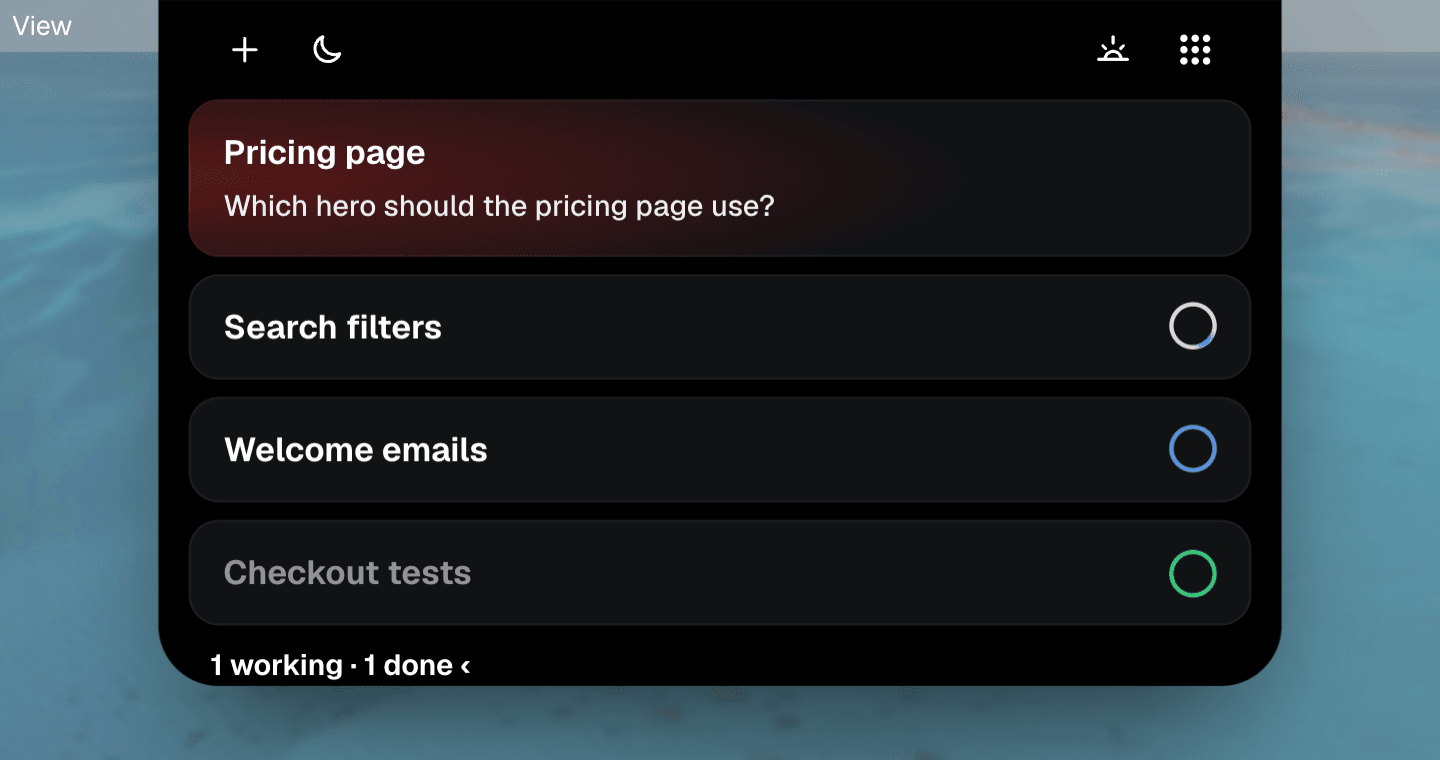
Each session is a ring on your Mac’s notch. Red means it needs you, and the list says which one and why.
Answer it without finding its pane
Click a choice, or hold Control and say the answer. It goes to the session that asked, not the pane you happen to be looking at. In agent view, a permission prompt still means attaching to that session; here it’s a click.
Where Yappr doesn’t help
The setup, in four steps
- One task per session, each in its own worktree.
- Name it when you start it.
- Pick one signal: agent view, a hook, Remote Control or the notch.
- Stop adding sessions when you stop reading their output.
More on the notch: Yappr Agents, in clips. Merging all those branches later? Don’t trust git’s date queries on main.
Sources, checked 18 November 2026
Claude Code’s docs: worktrees, naming sessions, agent view (replying from the list doesn’t answer a permission dialog; you attach), Remote Control. The threads: r/ClaudeCode, 12 August 2026 and r/ClaudeCode, 30 August 2026.
Written 18 November 2026. Every fact about another product is from its own pages, checked that day.